Technology Enhancements That Improve the User Experience in Modern Collaboration Spaces
- Dec 05, 2025
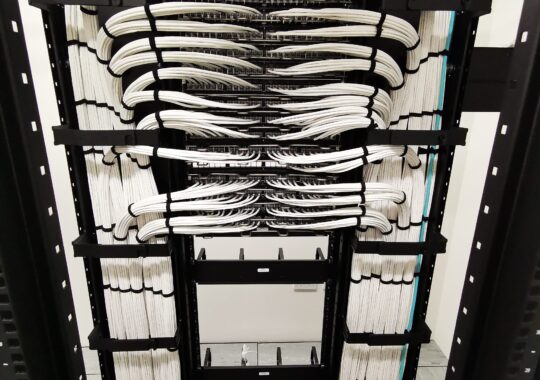
Technology as the Fourth Utility
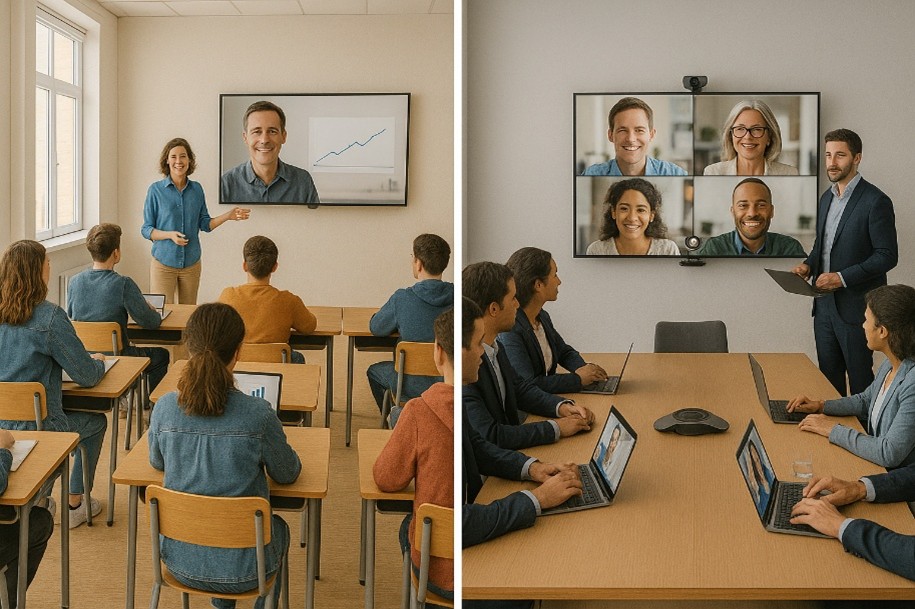
Technology has become just as essential to buildings as electricity, water, and HVAC. This “fourth utility”—the convergence of AV, acoustics, security, and IT—is now a foundational part of how people teach, learn, meet, and collaborate.
Forward-thinking organizations no longer treat technology as an add-on to a room. Instead, they integrate it from the very beginning of the design process, aligning it with user behavior, workflow, accessibility needs, and the character of the architectural space. The goal is simple: make rooms intuitive and effortless to use by integrating systems that work together.
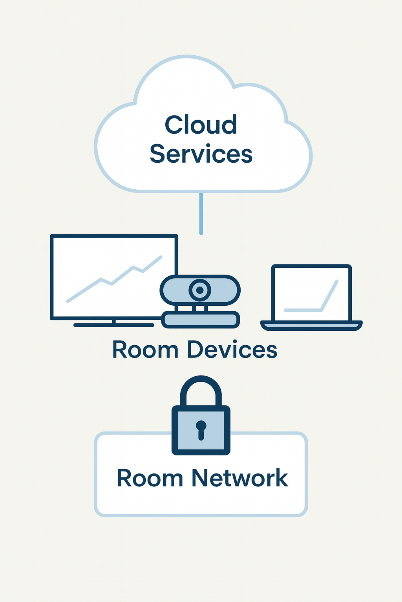
How Today’s Collaboration Systems Work Together
Modern integrated systems rely on three essential components working quietly behind the scenes as a unified symphony:
Cloud Services
Each of the primary video meeting platforms store recordings securely and allow remote system management. Users can benefit from seamless updates, consistent behavior, and quick access to their preferred communication tools.
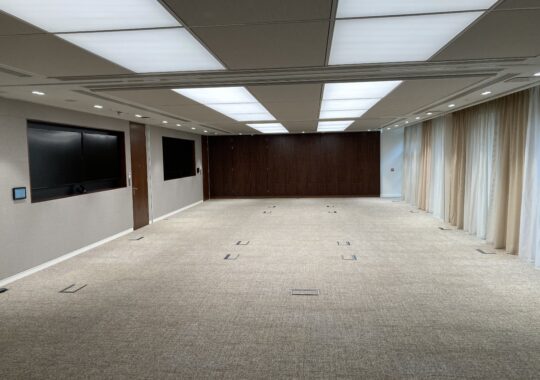
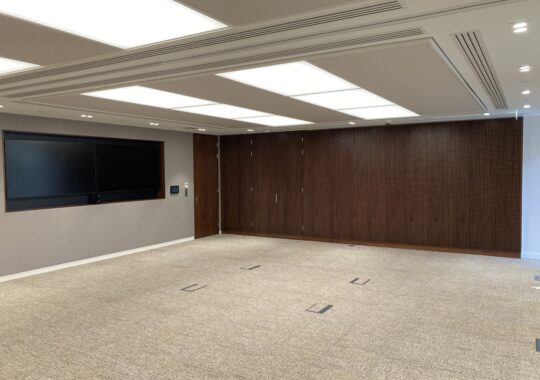
The Collaboration Space Itself
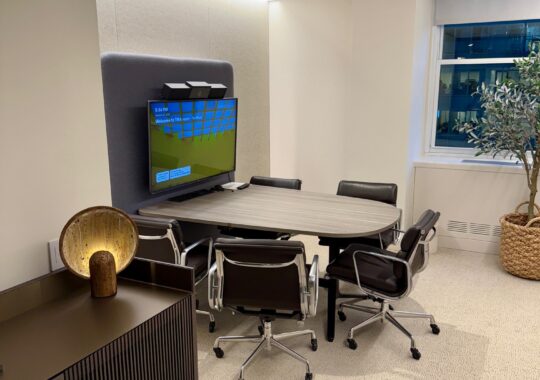
Cameras, microphone arrays, displays, control panels, sensors, and automation features form the visible layer of the experience. When these are designed properly, users simply walk in and the room “comes alive”—lighting adjusts, displays activate, and the system is ready.
Network Security
Firewalls, authentication, encrypted connections, and separate guest networks protect all communications. Good security is invisible to the user but foundational to system reliability. Good Security design starts at the beginning of the users operational workflow to facilitate unified and invisible reliability.
When integrated effectively, these layers create an environment where users focus on their work—not the equipment.
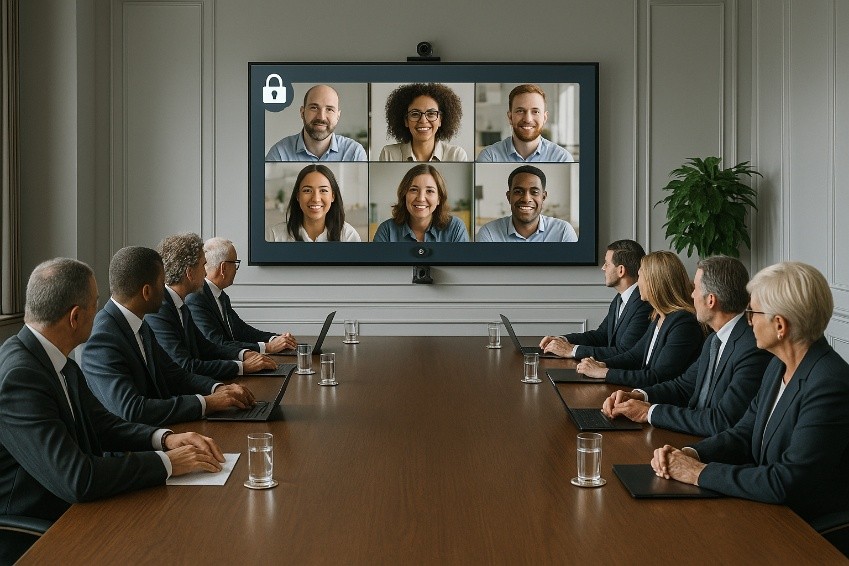
Simplified Cloud Security for Everyday Users
Cloud-based collaboration tools can introduce potential vulnerabilities, including unauthorized meeting entry, unsecured recordings, weak passwords, and unsafe wireless networks. Fortunately, modern systems prevent most of these issues by design.
Common protections include:
-Meeting waiting rooms/lobbies
-Automatic logout after sessions
-End-to-end encryption
-Guest Wi-Fi isolation
-Multi-factor authentication for administrators
These safeguards can operate without requiring user intervention, with collaboration throughout the AV and IT systems design.
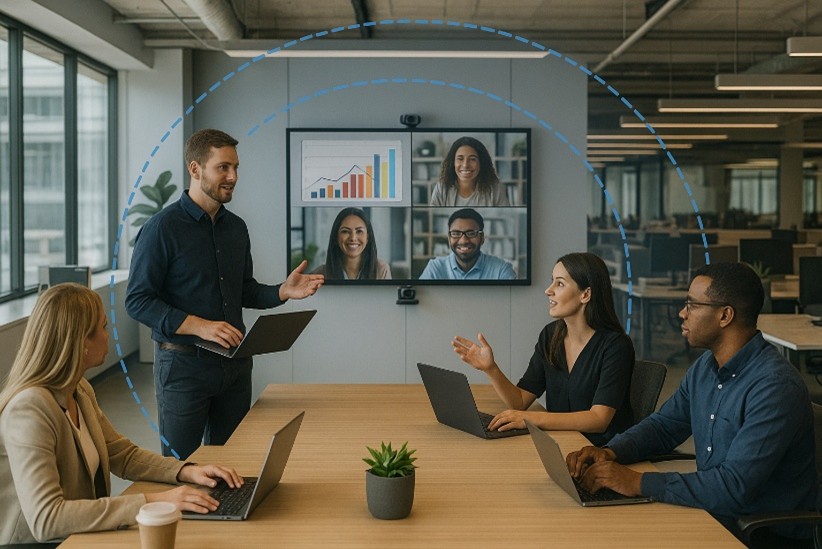
Architectural Acoustics and the Rise of Open Collaboration Spaces
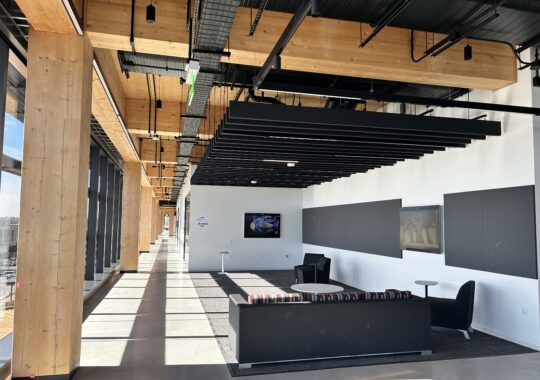
The performance of technology is heavily shaped by the space it occupies. Sound, light, finishes, and layout all determine how clearly people can be seen and heard and the level of user interface during meetings and calls.
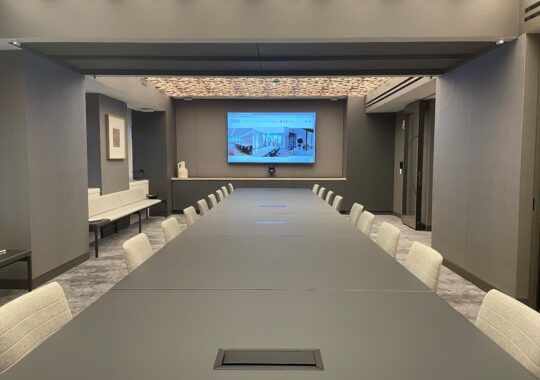
Enclosed Meeting, Collaboration and Classrooms
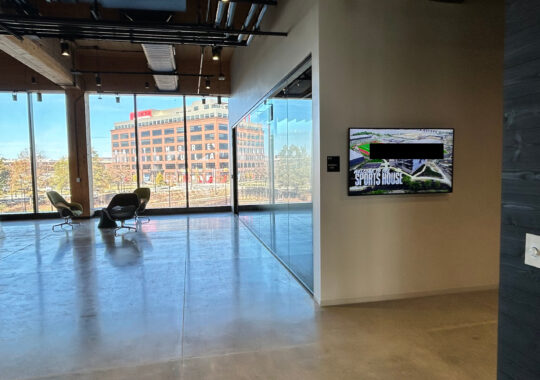
Rooms with glass, concrete, or other reflective surfaces can create echoes and noise that confuse microphones and reduce speech clarity. Lighting and HVAC noise can also impact camera and audio performance. Involving an acoustician early in the architectural process, to collaborate not only with the architect but also the technology designer, helps balance aesthetics, comfort, and technical performance—a growing priority for inclusive learning and working environments and the need to accommodate Nero-diversity.
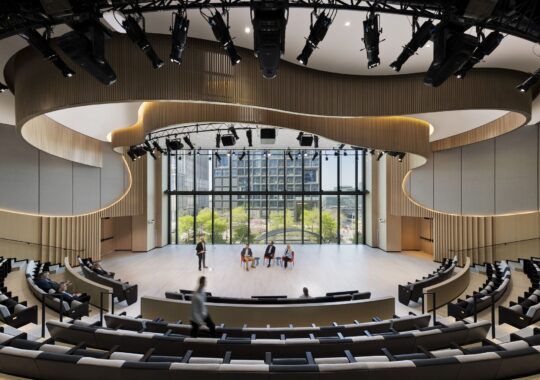
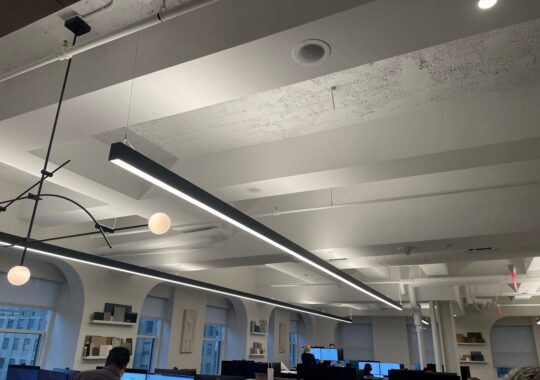
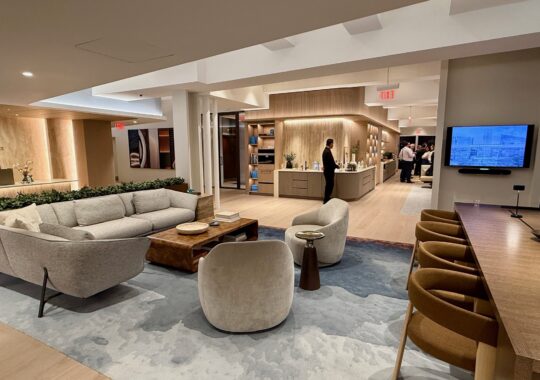
Open Collaboration Spaces
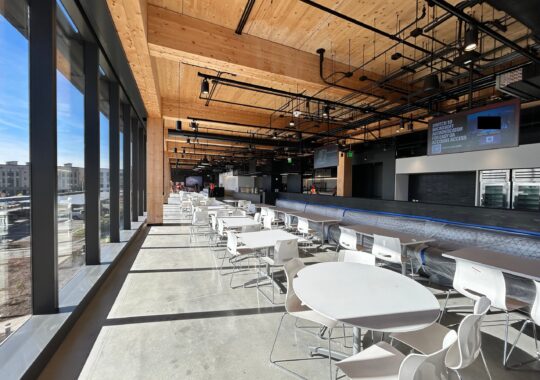
Open areas are increasingly popular for their visual appeal and accessibility, but they can introduce new challenges:
-Sound carries unpredictably
-Microphones pick up nearby conversations
-Cameras capture background distractions
-Privacy decreases
-Users must understand the differences between open and enclosed spaces
Despite the challenges, skilled coordination between architects, acousticians, and AV designers can deliver highly functional open collaboration zones.
Acoustic Fence Technology
Microphone arrays can now define a “virtual boundary” that limits pickup to a specific area. This reduces interruptions from nearby conversations—a critical improvement for open offices, huddle spaces, and large multipurpose rooms.
Solutions for Better Acoustic Performance
-Acoustic wall/ceiling panels
-Carpet and soft furnishings
-Acoustical fencing from major manufacturers
-Freestanding absorbing dividers
-Directional loudspeakers to limit sound spillover
-Thoughtful lighting placement for camera optimization
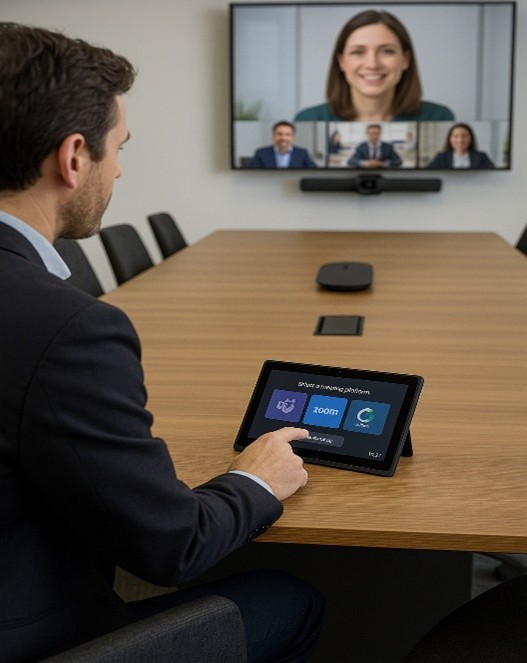
Interoperability: Making Rooms Work With Any Platform
Users want rooms that support Zoom in one meeting and Teams or Webex in the next—without limitations or reconfiguration. Historically, differences in hardware and standards made this difficult.
Today’s systems can solve this through experienced and informed design that includes:
-Multi-platform certified hardware
-Browser-based meeting gateways
-BYOD modes that allow laptops to take control of room cameras and audio
-USB-over-IP switching
With these solutions, a room can reliably support any collaboration platform with users in mind.

Next-Generation Camera Tracking for Hybrid Engagement
Modern auto-tracking cameras provide natural, lifelike video by intelligently following speakers, recognizing groups, and adjusting framing automatically. Improvements include:
-Responding to hand gestures for zoom or focus
-Automatically widening the view for group discussion
-Tracking presenters as they move
-Selecting the best camera angle in multi-camera rooms
These enhancements bring equality to remote participants and the in-room experience reducing the cognitive load on presenters.
Advanced Microphone Arrays for Consistent, Clear Audio
Microphone arrays have replaced the need for handheld, table, or body-worn microphones in many environments. Today’s systems offer:
-Beamforming and beam steering to follow speakers
-AI-based noise reduction
-Echo cancellation
-Voice leveling for consistent volumes
-Larger pickup areas requiring fewer microphones
-Integration with acoustical fencing to control sound boundaries
These systems significantly improve audio clarity in both enclosed and open spaces.
Wireless Content Sharing: Faster, Easier, and More Inclusive
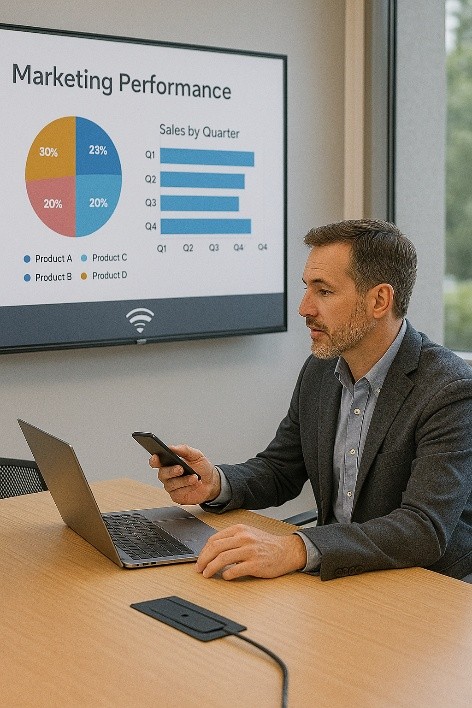
Modern wireless sharing systems eliminate cables and allow anyone—students, staff, guests—to present from their preferred device. Earlier systems struggled with lag or poor compatibility, but current solutions offer:
-Reliable Wi-Fi 6/6E connections
-Encrypted content sharing
-Multi-user collaboration
-Support for Windows, macOS, iOS, Android, and ChromeOS
-Automatic presenter switching
These tools make presenting as simple as a click.
Network Protection: The Quiet Foundation of Reliable Collaboration
Strong network design that starts with users in a collaborative environment ensures that collaboration spaces stay secure and operational while maintaining a transparent user experience. Key components include:
-Network segmentation for AV devices
-Firewalls and threat detection
-Encrypted communication paths
-1X authentication for hardware
-Automated firmware patching
-Dedicated guest networks
Well-designed networks protect organizations without adding complexity for users.
Technology That Supports People, Not the Other Way Around
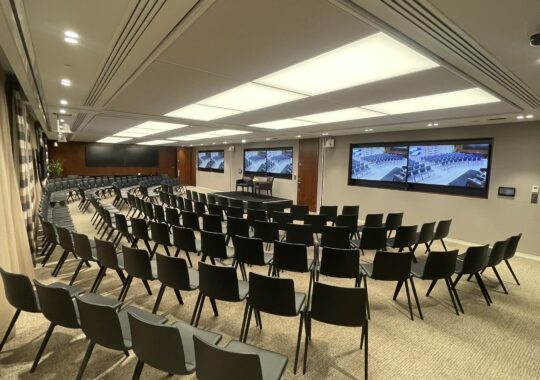
The best collaboration spaces are the ones people hardly notice, but use extensively, first because it is simple to use and—because the technology simply works.
By integrating architectural acoustics, intelligent devices, robust networks, and user-focused design principles that are designed collectively, organizations can create spaces where communication happens naturally and confidently. Whether in a classroom, boardroom, or open collaboration zone, the goal remains the same: technology that quietly empowers people to do their best work.